Speed up development with the official extensions. Yumma CSS IntelliSense provides auto-completion, hover previews & smart diagnostics directly in your editor.
Visual Studio Code
Install the official VS Code extension to enable these features.
Features
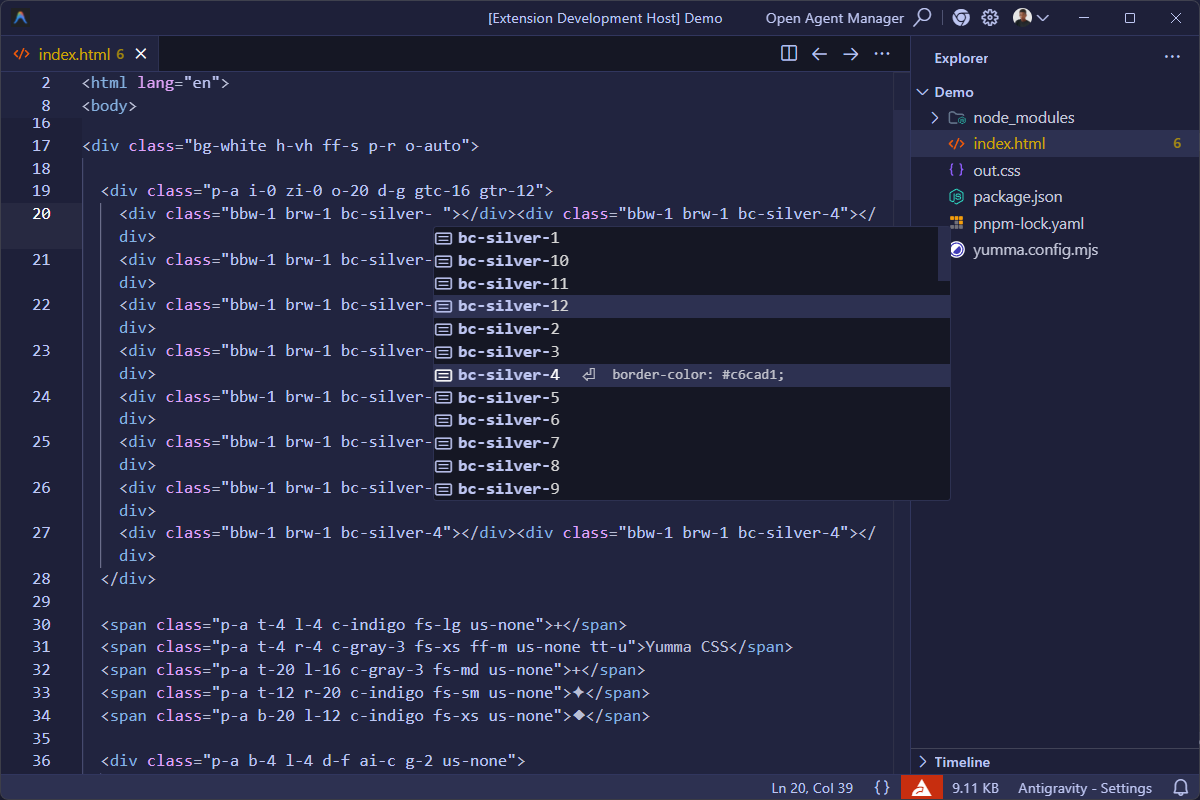
IntelliSense
Get auto-completion suggestions for abbreviated utility classes as you type.
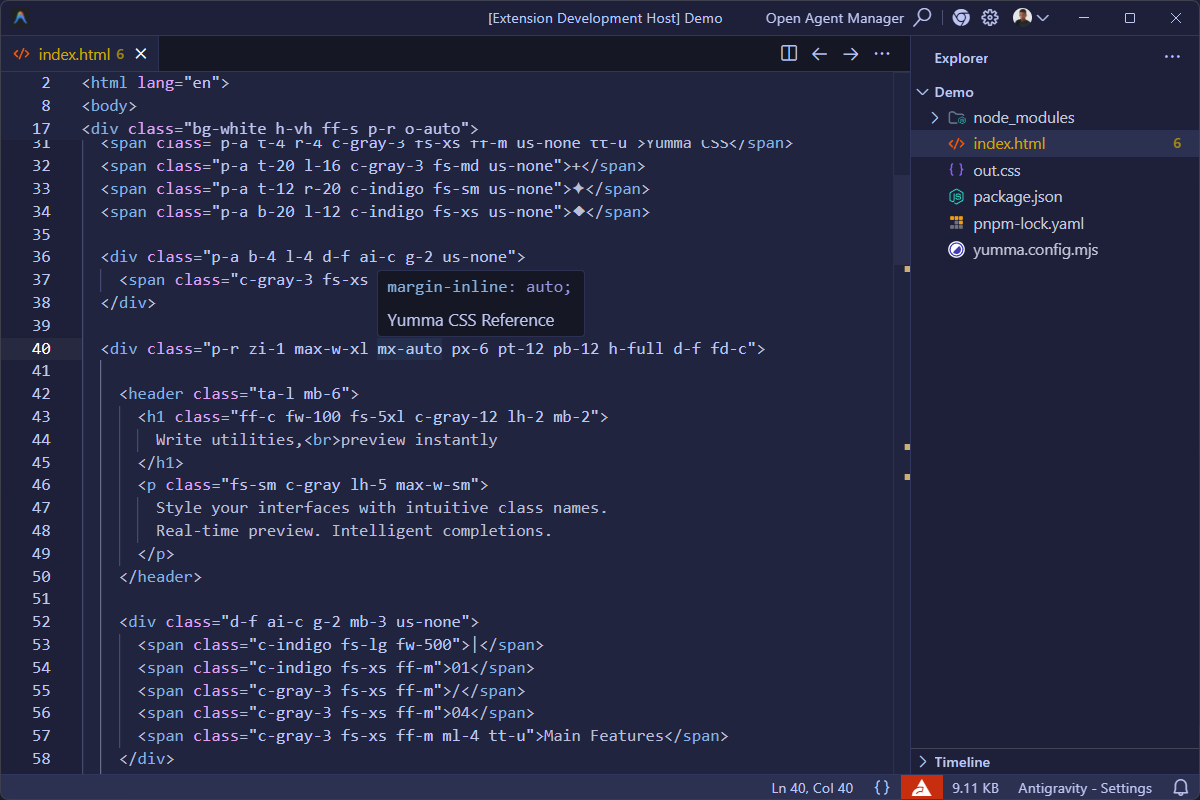
Hover Previews
View exact CSS declarations by hovering over any class in your code.
Smart Diagnostics
Identify overlapping styles & conflicting classes in real-time.
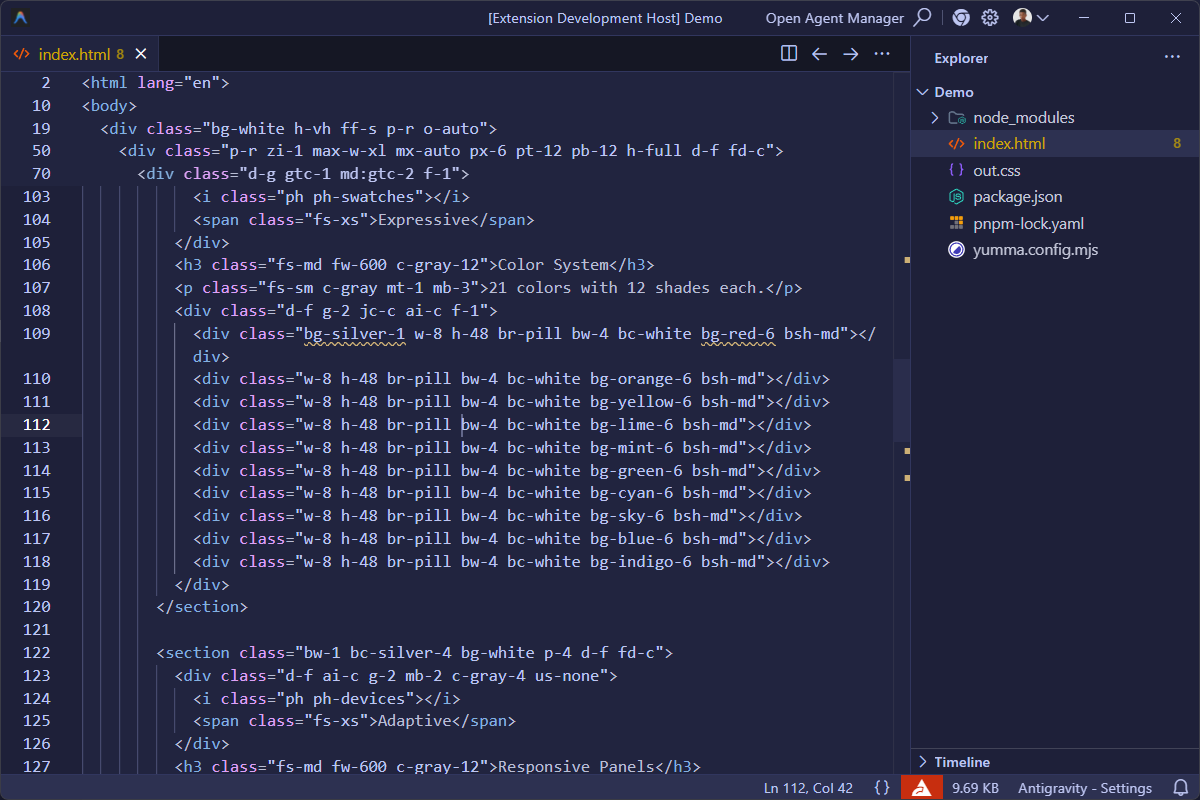
Conflict Detection
Yumma CSS IntelliSense detects when multiple classes set the same CSS property. For example, bg-indigo bg-red triggers a warning because both utilities set background-color. Conflicts are scoped per-variant, so bg-red h:bg-indigo does not conflict as they apply under different conditions.
Class Sorting
Automatically organize your utility classes to maintain a consistent & readable codebase.
Sorting Order
Classes are organized by category in the following order: Layout → Positioning → FlexboxGrid → BoxModel → Background → Colors → BorderOutline → Typography → Effects → Transition → Interactivity → Table → SVG.
Variant Grouping
Variant classes like h:bg-red stay grouped with their base utility rather than being sorted independently. Orphan variants-those with no matching base class-are placed at the end of the class list.
How to Trigger
- On Save: Classes sort automatically when saving (
Ctrl+S). - Command Palette: Run
Yumma CSS: Sort Classesfrom the Command Palette (Ctrl+Shift+P).
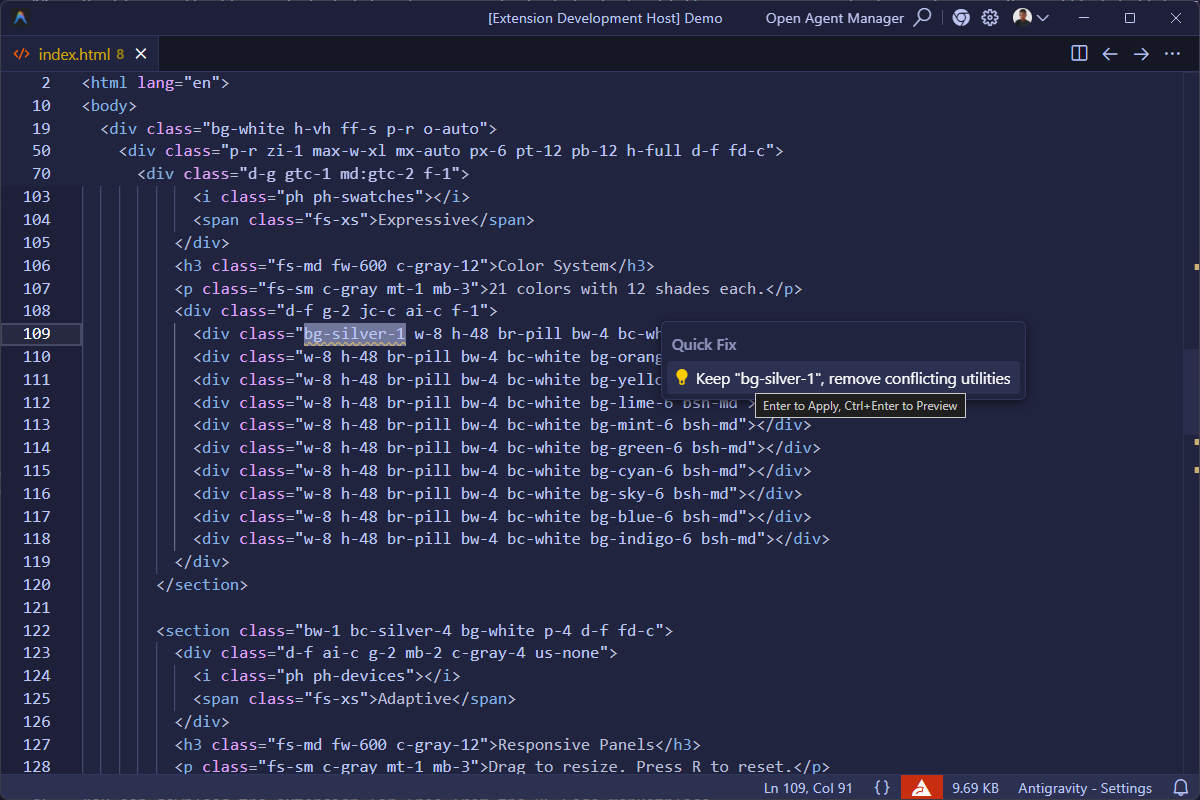
Quick Fixes
Resolve conflicts with 1-click quick fixes.
Other Editors
The extension also supports other VS Code-based editors: